
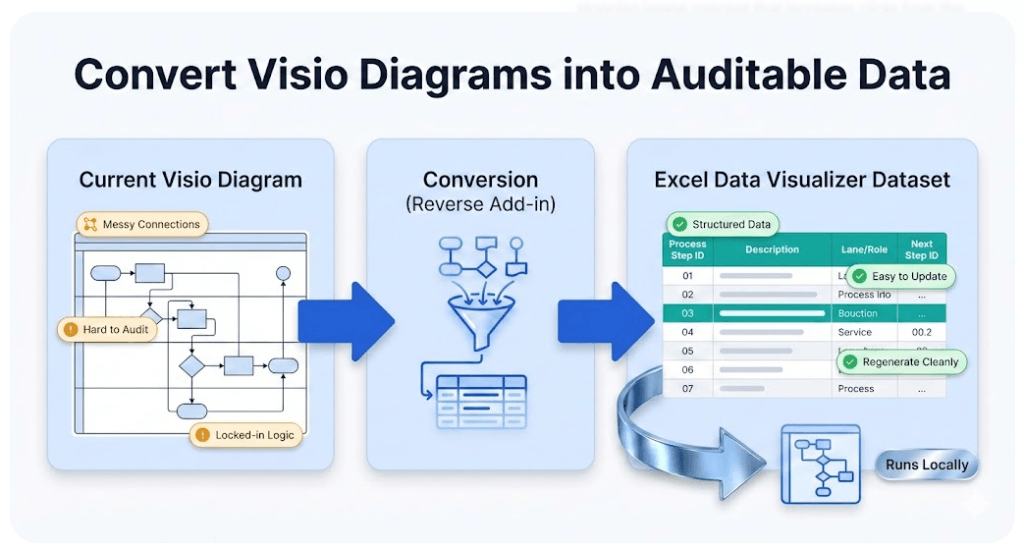
Visio Data Visualizer dataset generator (diagram → dataset for Excel)
The Excel Visio Data Visualizer add-in turns a dataset table into a diagram. This tool does the opposite: it turns an existing Visio diagram into the Data Visualizer dataset so you can audit, update, and version the process in Excel.
If your main goal is exporting a Visio diagram to Excel, start here: Convert a Visio diagram to Excel (diagram → dataset).
Best fit: Visio cross-functional flowcharts (swimlanes + phases). You can convert the diagram once, then maintain the dataset as the source of truth.
Download Lite (Free, 20 steps) Buy Standard (Unlimited)
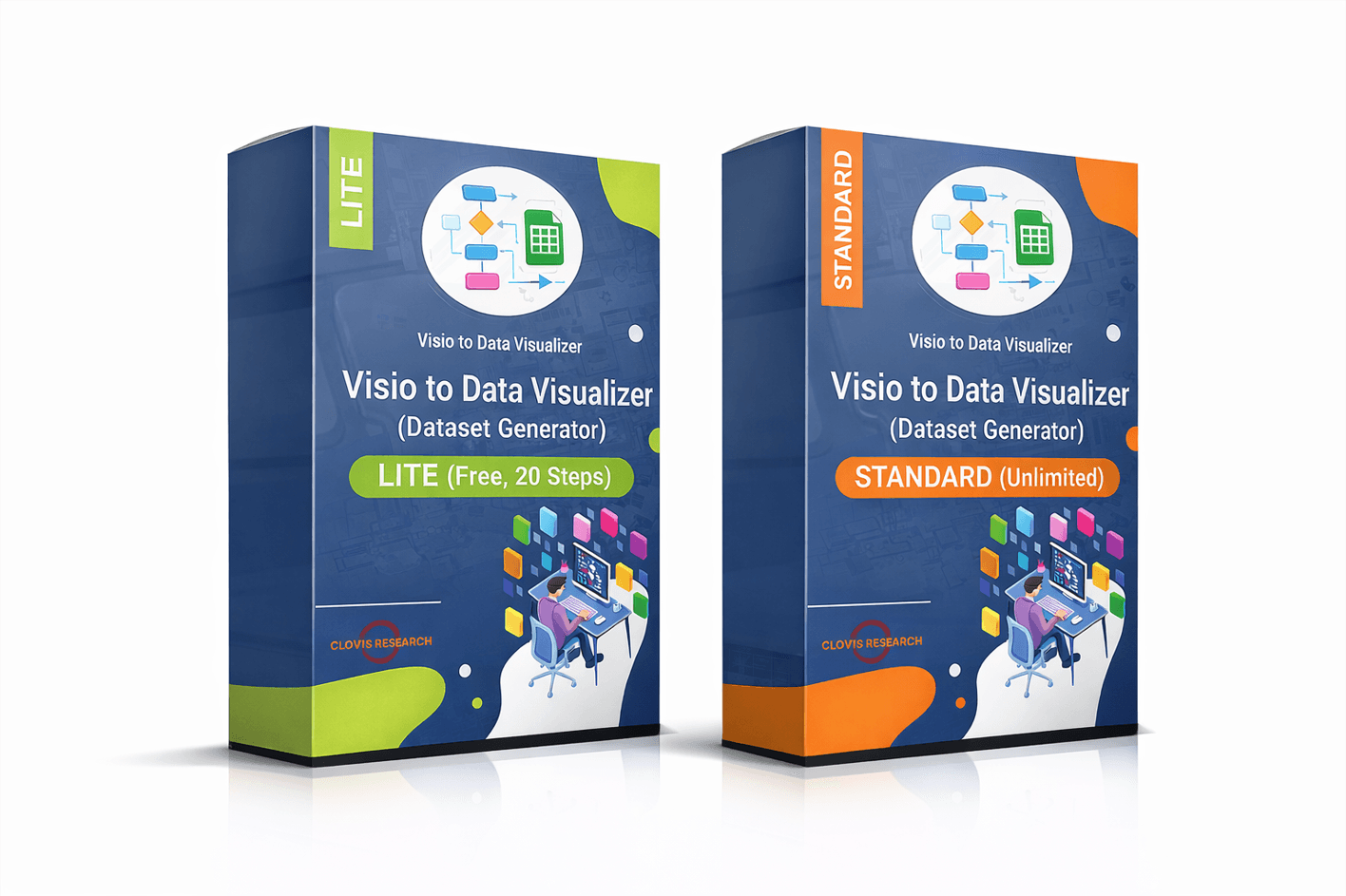
- Inputs: your existing Visio diagram (.vsdx)
- Output: an Excel-ready Data Visualizer dataset (steps + connections) you can edit and validate
- Use it for: audits, updates, standardization, multi-view lenses, and AI analysis
- Privacy: runs locally on Windows (you choose what to share with anyone)
How it works (the round-trip)
- Run the generator on your Visio process map to export the dataset.
- Audit or update the dataset in Excel (IDs, descriptions, lanes, phases, connections).
- Regenerate a clean diagram via Cross-Functional Flowchart (Data Visualizer).
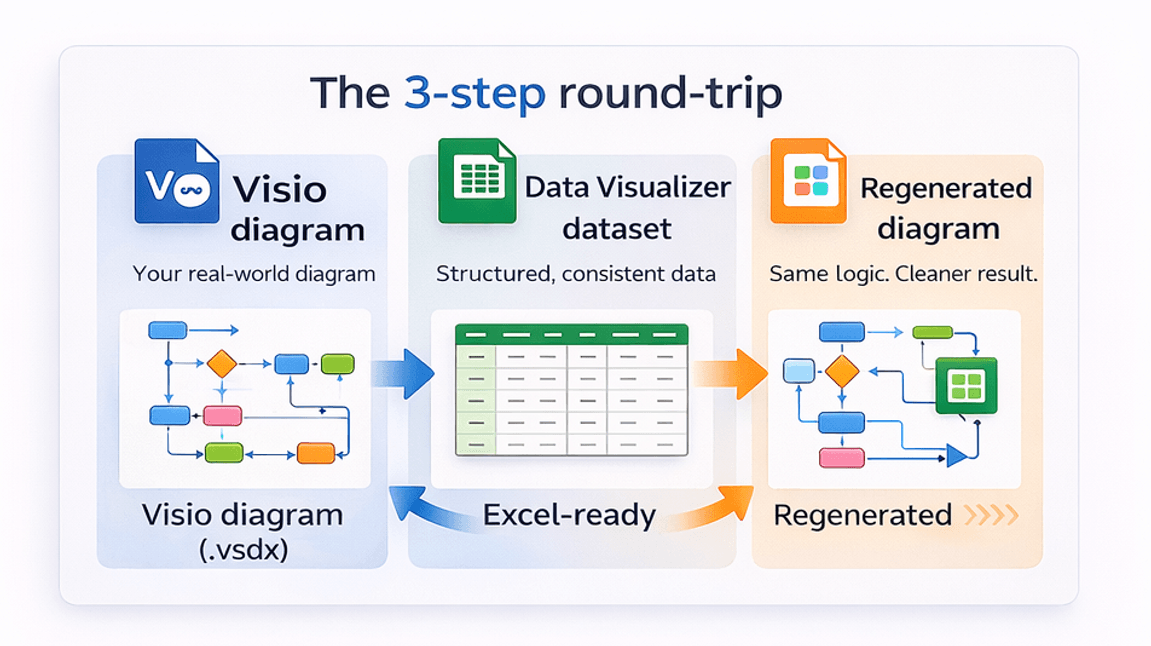
The diagram becomes refreshable because the dataset becomes the source of truth.
Use cases this was built for
- Audit a Visio process map in Excel (integrity, consistency, ownership, phasing, handoffs).
- Update swimlane diagrams without redrawing (edit dataset rows instead of moving shapes).
- Create multiple “lenses” (RACI, value stream, risk, automation) without drifting Visio copies.
- Apply AI to the dataset to identify bottlenecks, loops, and cleanup opportunities.
- Convert a Visio diagram to Excel (export the dataset from an existing .vsdx so you can work in Excel first).
Lite vs Standard
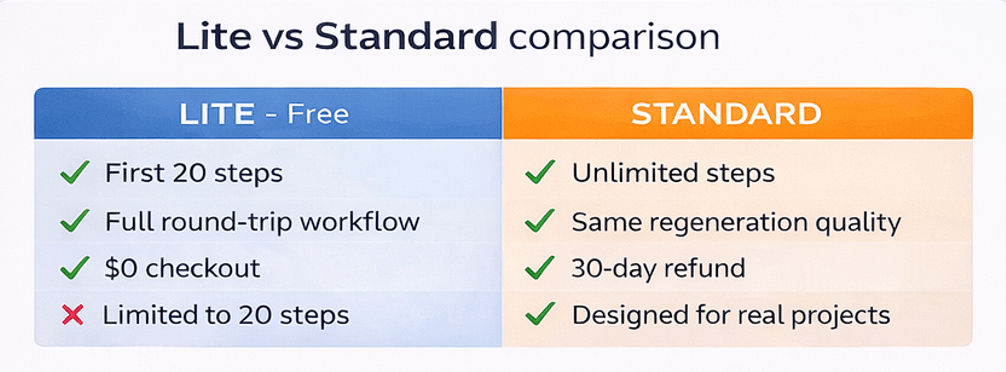
Lite (Free, 20 steps)
Use Lite to prove the workflow on a real Visio diagram. It exports the first 20 steps so you can validate the dataset structure and Visio import.
Standard (Unlimited)
Use Standard when you’re ready to convert full maps and maintain them long-term as data.
FAQ
What do I get after conversion?
You get a Data Visualizer dataset table (Excel) containing step IDs, step descriptions, lanes/phases (where applicable), and the connections between steps (Next Step IDs). That dataset can be edited and validated much faster than a diagram.
What diagrams work best?
Cross-functional flowcharts (swimlanes + phases) are the best fit because their structure maps cleanly to Data Visualizer dataset columns.
Does this overwrite my original Visio file?
No. You export a dataset from the diagram. Your original file can remain unchanged. Then you regenerate a new Data Visualizer diagram from the dataset.
What if I hit an import error in Visio?
Most errors are data integrity issues (duplicate IDs, missing referenced IDs, invalid shape types, or missing lane/phase values). Use: Import troubleshooting.
Where should I start?
Start with Lite to validate conversion on a real diagram. Upgrade to Standard when you need unlimited steps. If your immediate goal is exporting a diagram into Excel, start here: Convert a Visio diagram to Excel (diagram → dataset).
Back to hub · Convert a Visio diagram to Excel
Microsoft, Visio, and Excel are trademarks of Microsoft. This product is an independent tool and is not affiliated with Microsoft.